Works withDaVinci Resolve, Premiere Pro, Final Cut Pro, CapCut and most editors that load LUTs
DeliveryDownload link right after checkout, also sent by email
Couldn't load pickup availability
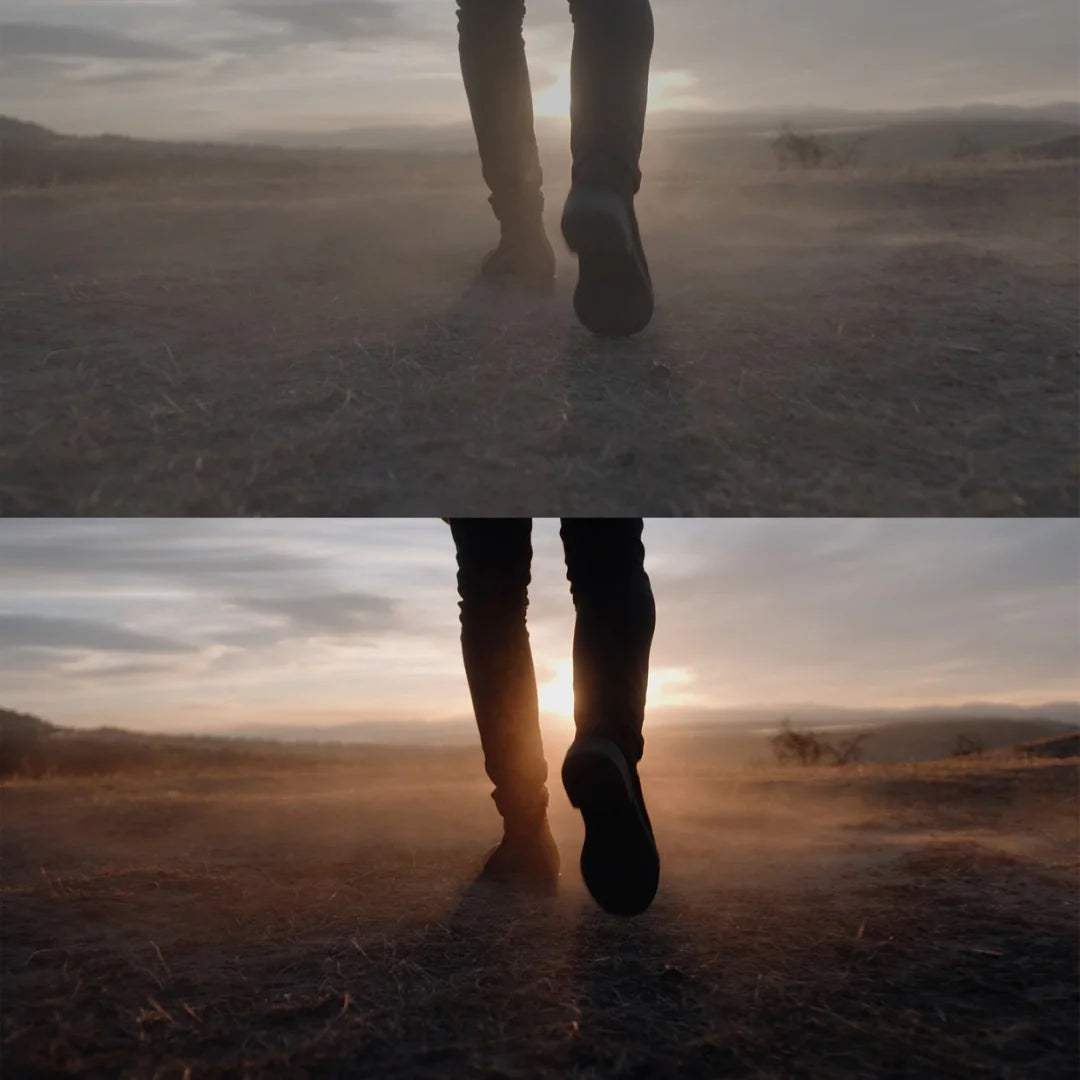
S-Log3 is hard to expose well, and many LUTs fall apart from clip to clip. The Skintone Edition was built over months of real projects to keep faces natural first, then give a clean, commercial look.
21 LUTs split by exposure: one group for overexposed S-Log3, one for normal or underexposed footage
Bonus monitoring LUT for judging exposure and colour on set
PDF installation guide
Premiere Pro, Final Cut Pro, DaVinci Resolve, After Effects, Vegas and LumaFusion
Lower the opacity if a look feels too strong, or add a little shadow if it feels flat.
How to install
DaVinci Resolve: Project Settings → Color Management → Open LUT Folder, copy the .cube files in, then click Update Lists.
Premiere Pro: Lumetri Color → Creative → Look → Browse, and pick a .cube file.
Final Cut Pro: add the Custom LUT effect to your clip and choose the .cube file.
Set exposure and white balance first, then apply the LUT and adjust its intensity to taste.
Delivery
This is a digital product and nothing is shipped. After payment you get a download link on the order confirmation page, and the same link is emailed to you.
Need help?
If something does not work as expected, contact us with your order number and we will help you out.
Sony S-Log3 Skintone LUTs – 21 LUTs Plus Monitoring LUT$4.00