DeliveryDownload link right after checkout, also sent by email
Couldn't load pickup availability
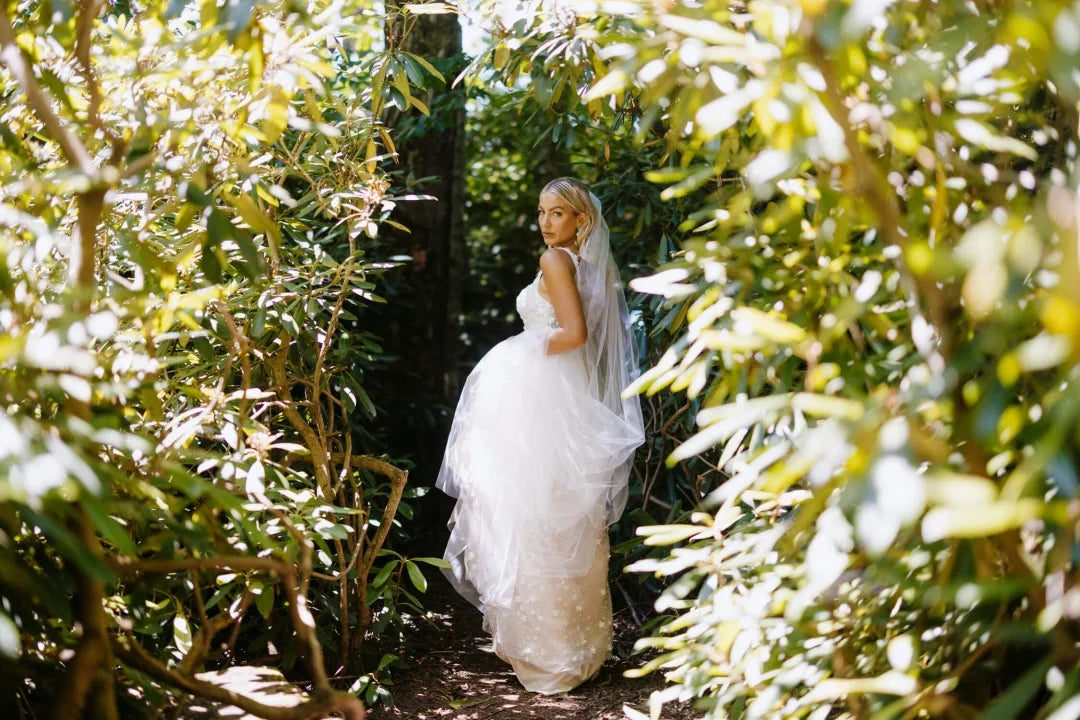
The Photobug Collection, made by G-Presets together with Photobug, gives you two moods in one pack. The first is crisp, modern colour with soft contrast and honest skin, with balanced highlights so faces look natural in shade, sun or mixed indoor light.
When an image needs more character, the Super 8-inspired presets add warm, nostalgic tones and retro one-click effects with a playful faded feel, without breaking the consistency of a full gallery.
Clean, timeless looks plus Super 8 film-inspired options and creative retro effects
Handles many lighting situations and genres
For Lightroom Classic, Lightroom Desktop and Camera Raw, RAW or JPEG
Great for weddings, portraits, couples, lifestyle, editorial and social content
How to install
Lightroom Classic: in the Develop module, click + in the Presets panel and choose Import Presets.
Lightroom: open Edit → Presets, use the … menu and choose Import Presets.
Every photo is different, so fine-tune exposure and white balance after applying a preset.
Delivery
This is a digital product and nothing is shipped. After payment you get a download link on the order confirmation page, and the same link is emailed to you.
Need help?
If something does not work as expected, contact us with your order number and we will help you out.
G-Presets Photobug Collection – Clean and Super 8 Lightroom Presets$5.00