DeliveryDownload link right after checkout, also sent by email
Couldn't load pickup availability
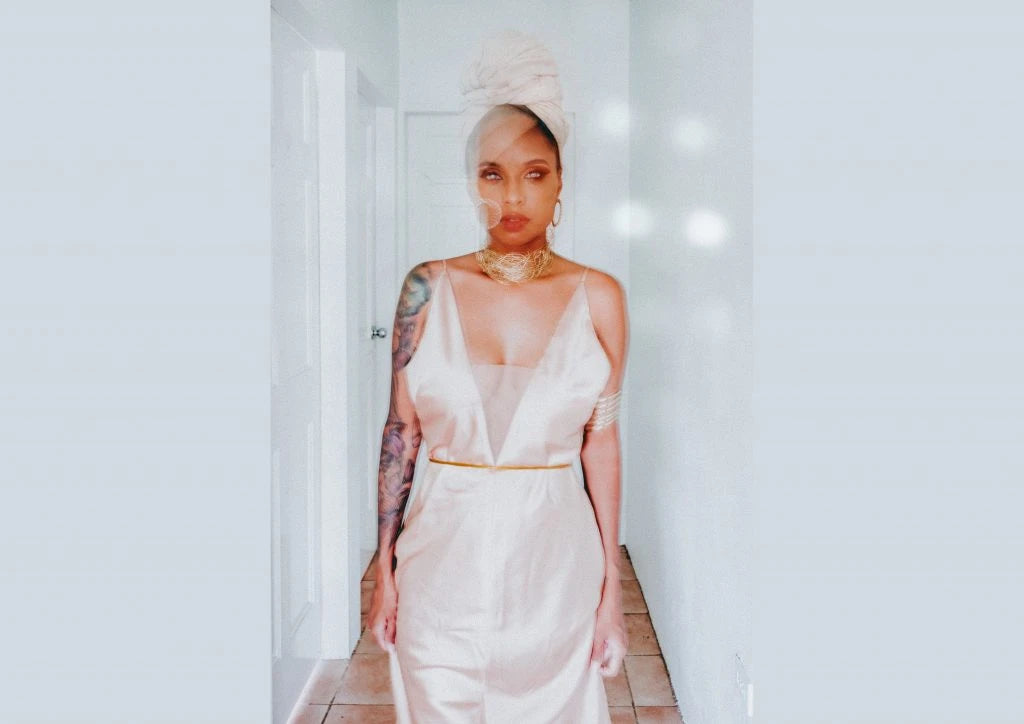
Solaye lets you add the look of light falling through a window after the shoot. Chinelle Rojas captured real window light patterns optically, and they were turned into effects for Lightroom and Photoshop. It is a quick way to give a flat indoor portrait shape and warmth, or to build a stylised editorial frame.
Three background colour variations for warmer or cooler scenes
Lightroom Classic, Lightroom CC and Photoshop; RAW and JPEG
How to install
Lightroom Classic: in the Develop module, click + in the Presets panel and choose Import Presets.
Lightroom: open Edit → Presets, use the … menu and choose Import Presets.
Every photo is different, so fine-tune exposure and white balance after applying a preset.
Delivery
This is a digital product and nothing is shipped. After payment you get a download link on the order confirmation page, and the same link is emailed to you.
Need help?
If something does not work as expected, contact us with your order number and we will help you out.
Chinelle Rojas Solaye – Real Window Light Effects$4.00