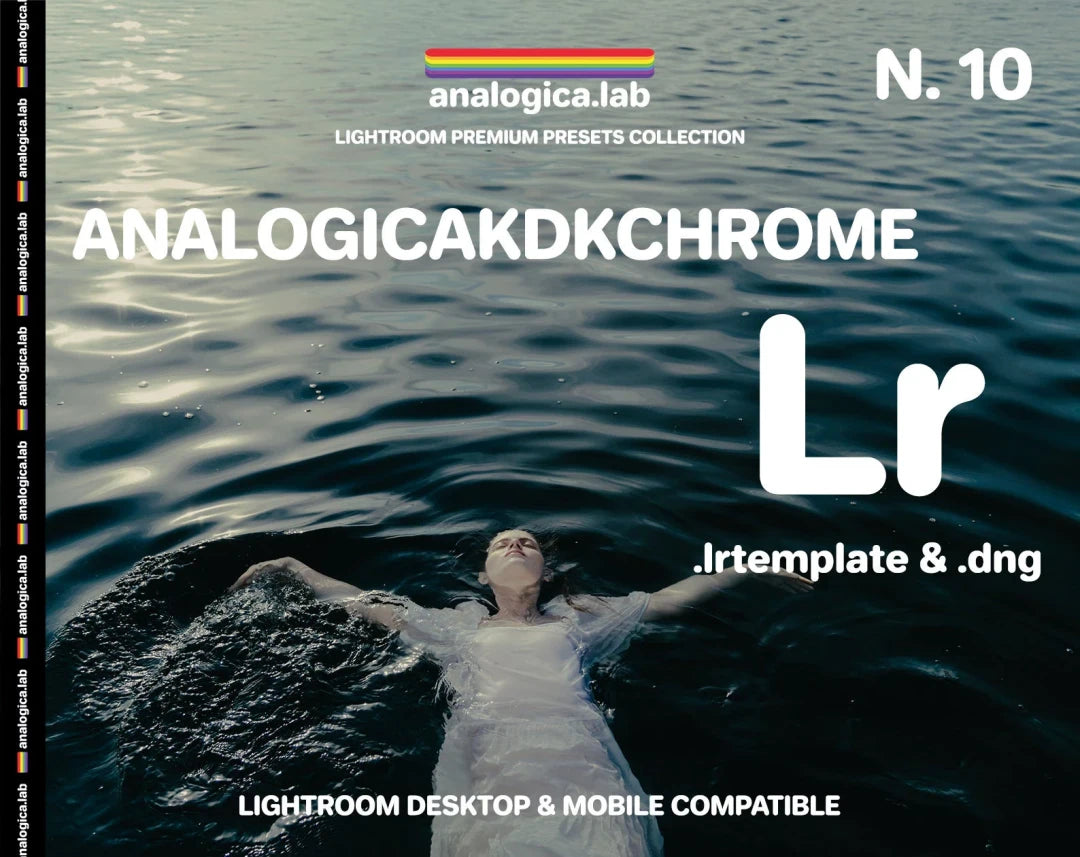
Analogica Lab Kodachrome 35mm Film LUT
Analogica Lab Kodachrome 35mm Film LUT
Instant digital download
- Format.cube LUT files
- Works withDaVinci Resolve, Premiere Pro, Final Cut Pro, CapCut and most editors that load LUTs
- DeliveryDownload link right after checkout, also sent by email
Couldn't load pickup availability
Kodachrome made red feel like a memory, and this LUT from Analogica Lab follows the same colour architecture: dense, saturated hues, deep contrast that still keeps highlights clean, and creamy skin with gentle warmth underneath. Nothing looks plastic; the grade sits on your footage like a film print rather than a filter.
Each LUT is built from precise tone chains that lock in the behaviour of the original stock, yet stays light enough to play back in real time.
- Kodachrome 35mm LUT in .cube format, with several film-tone variations
- Installation and usage instructions
- Works in DaVinci Resolve, Premiere Pro, Final Cut Pro, Photoshop, Lightroom and any .cube app
- Great for weddings, portraits, commercials, editorial, travel, street, documentary and vintage-style shoots
How to install
DaVinci Resolve: Project Settings → Color Management → Open LUT Folder, copy the .cube files in, then click Update Lists.
Premiere Pro: Lumetri Color → Creative → Look → Browse, and pick a .cube file.
Final Cut Pro: add the Custom LUT effect to your clip and choose the .cube file.
Set exposure and white balance first, then apply the LUT and adjust its intensity to taste.
Delivery
This is a digital product and nothing is shipped. After payment you get a download link on the order confirmation page, and the same link is emailed to you.
Need help?
If something does not work as expected, contact us with your order number and we will help you out.