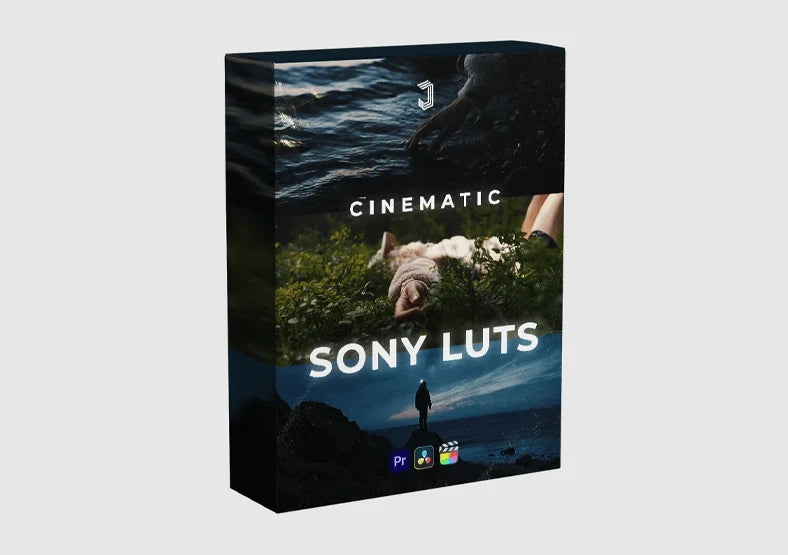
Jacob Nordin Sony S-Log3 LUTs – 6 Filmic Looks
Jacob Nordin Sony S-Log3 LUTs – 6 Filmic Looks
Instant digital download
- Format.cube LUT files
- Works withDaVinci Resolve, Premiere Pro, Final Cut Pro, CapCut and most editors that load LUTs
- DeliveryDownload link right after checkout, also sent by email
Couldn't load pickup availability
S-Log3 footage holds a huge amount of information, but straight out of the camera it looks grey and flat. Jacob Nordin's six LUTs handle the hardest part of the grade for you: they rebuild natural contrast, keep shadows controlled and let highlights fall off softly instead of clipping.
Skin comes out warm and real, never orange or waxy, and the overall palette is clean and filmic. The looks are restrained enough to stay consistent from the first clip of a timeline to the last, which makes shot matching easy. They are built for S-Log3 with S-Gamut3.Cine, so Sony A7S III users and similar cameras get predictable results immediately.
- 6 custom Sony S-Log3 LUTs
- Great for travel videos, cinematic shorts, YouTube and client projects
- Works in DaVinci Resolve, Premiere Pro, Final Cut Pro and any LUT-capable editor
How to install
DaVinci Resolve: Project Settings → Color Management → Open LUT Folder, copy the .cube files in, then click Update Lists.
Premiere Pro: Lumetri Color → Creative → Look → Browse, and pick a .cube file.
Final Cut Pro: add the Custom LUT effect to your clip and choose the .cube file.
Set exposure and white balance first, then apply the LUT and adjust its intensity to taste.
Delivery
This is a digital product and nothing is shipped. After payment you get a download link on the order confirmation page, and the same link is emailed to you.
Need help?
If something does not work as expected, contact us with your order number and we will help you out.