Works withDaVinci Resolve, Premiere Pro, Final Cut Pro, CapCut and most editors that load LUTs
DeliveryDownload link right after checkout, also sent by email
Couldn't load pickup availability
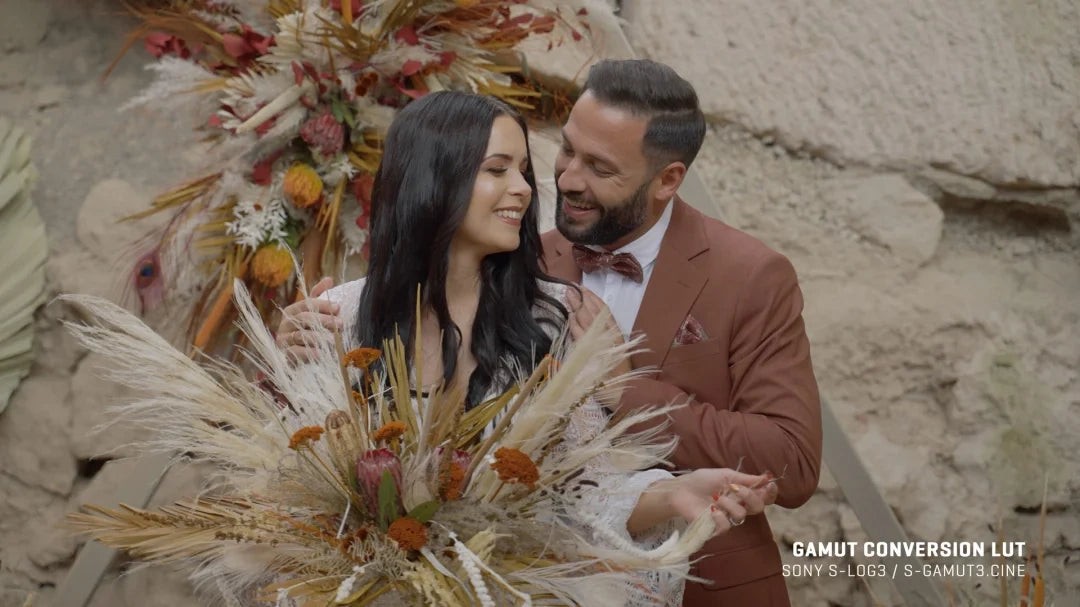
Sony's own log conversion tends to push footage green or magenta. These BaseLUTs fix it at the source: clean neutral shadows, believable skin without the yellow-green cast, balanced saturation, and a soft highlight roll-off that holds detail instead of clipping. v1.1 refined the yellows, calmed skin further, and calibrated roll-off around a 42 IRE gray card exposure.
2 .cube LUTs (33x): one for S-Log3, one for S-Log2. Works in Premiere Pro, Final Cut Pro, DaVinci Resolve or any .cube-compatible app.
Shoot S-Log3 with S-Gamut3.Cine (PP8) or S-Log2 with S-Gamut (PP7). 10-bit recommended — 8-bit can band. Tested on A7SIII, A7SII and A7III, and suited to most S-Log Sony bodies.
Use it to monitor accurate color on set, confirm exposure and white balance while shooting, and stack under creative LUTs like Dolce, Faction, Immersion or Adagio at roughly 50%.
How to install
DaVinci Resolve: Project Settings → Color Management → Open LUT Folder, copy the .cube files in, then click Update Lists.
Premiere Pro: Lumetri Color → Creative → Look → Browse, and pick a .cube file.
Final Cut Pro: add the Custom LUT effect to your clip and choose the .cube file.
Set exposure and white balance first, then apply the LUT and adjust its intensity to taste.
Delivery
This is a digital product and nothing is shipped. After payment you get a download link on the order confirmation page, and the same link is emailed to you.
Need help?
If something does not work as expected, contact us with your order number and we will help you out.
Gamut Sony BaseLUTs – S-Log3 + S-Log2 Conversion Pack$3.00