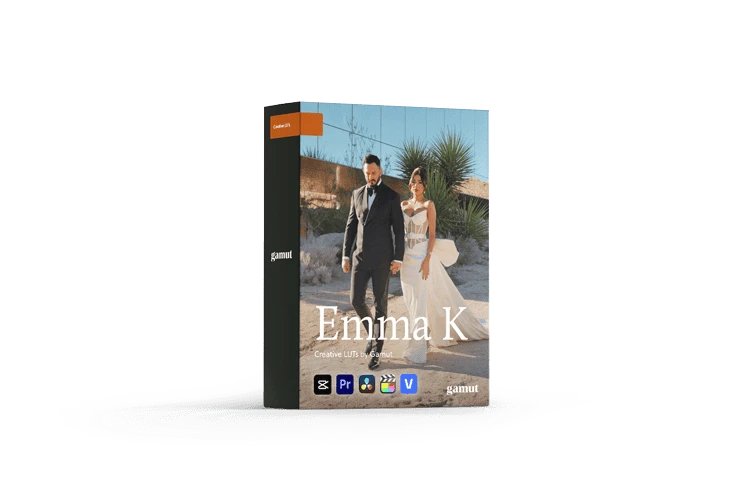
Emma K LUTs by Gamut
Emma K LUTs by Gamut
Instant digital download
- Format.cube LUT files
- Works withDaVinci Resolve, Premiere Pro, Final Cut Pro, CapCut and most editors that load LUTs
- DeliveryDownload link right after checkout, also sent by email
Couldn't load pickup availability
Wedding footage lives or dies on skin tone. The grade leans warm: highlights glow rather than clip, contrast stays soft, and colors separate organically without ever reading as heavy processing. Faces keep their natural blush under golden-hour sun, candlelit receptions and unpredictable documentary light.
Bold: Deeper contrast and mood
Bright: Clean, luminous highlights
Soft: Lifted shadows, gentle tones
Warm: Golden glow
B&W: Classic monochrome film feel
.cube files for DaVinci Resolve, Premiere Pro, Final Cut Pro, After Effects and any LUT-compatible editor. Digital download delivered by email after purchase — nothing ships.
Start from properly exposed, white-balanced footage for the cleanest result.
How to install
DaVinci Resolve: Project Settings → Color Management → Open LUT Folder, copy the .cube files in, then click Update Lists.
Premiere Pro: Lumetri Color → Creative → Look → Browse, and pick a .cube file.
Final Cut Pro: add the Custom LUT effect to your clip and choose the .cube file.
Set exposure and white balance first, then apply the LUT and adjust its intensity to taste.
Delivery
This is a digital product and nothing is shipped. After payment you get a download link on the order confirmation page, and the same link is emailed to you.
Need help?
If something does not work as expected, contact us with your order number and we will help you out.