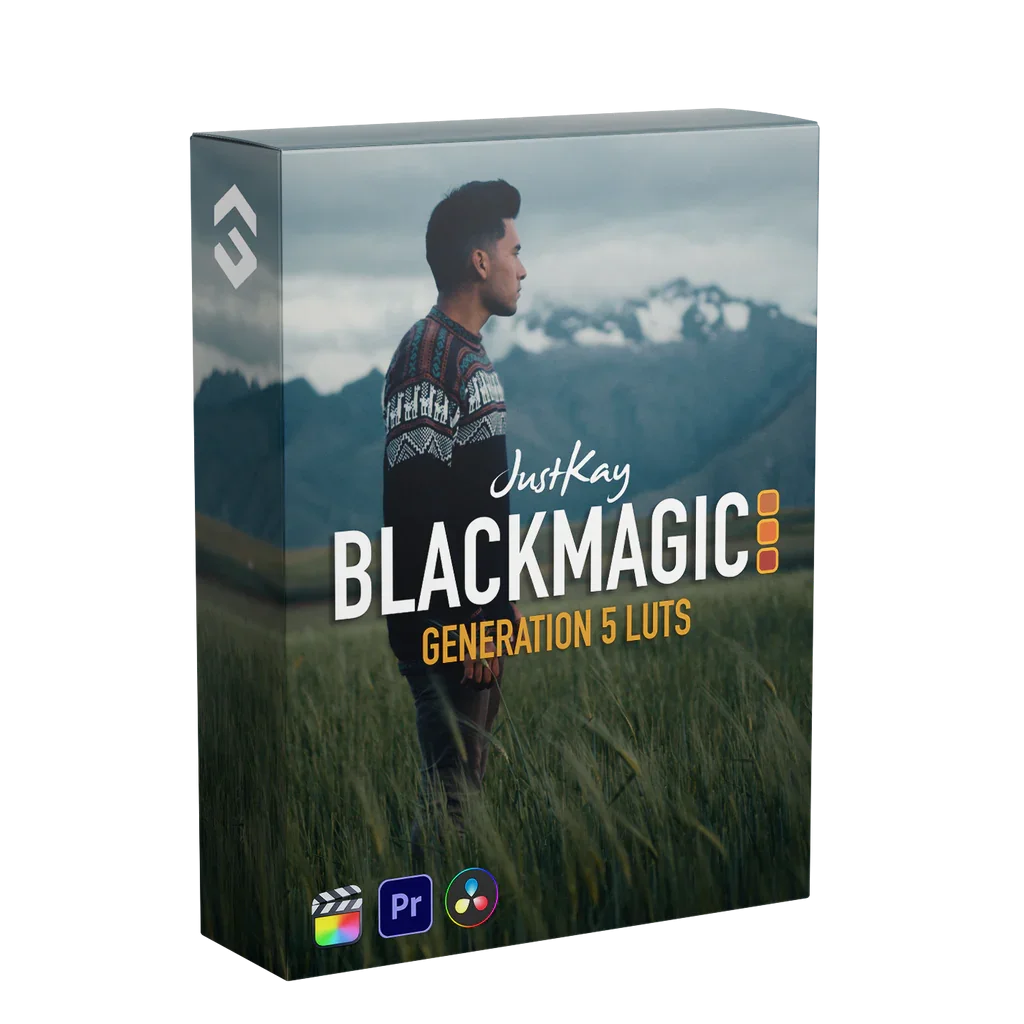
Film Space x JustKay Blackmagic Gen 5 LUTs – 5 Cinematic Looks
Film Space x JustKay Blackmagic Gen 5 LUTs – 5 Cinematic Looks
Instant digital download
- Format.cube LUT files
- Works withDaVinci Resolve, Premiere Pro, Final Cut Pro, CapCut and most editors that load LUTs
- DeliveryDownload link right after checkout, also sent by email
Couldn't load pickup availability
Film Space and JustKay made these LUTs for Blackmagic cameras running Gen 5 colour science. They give consistent cinematic colour with accurate skin, from bright daylight to low light.
- 5 LUTs in .cube format
- For BMPCC 4K, 6K and 6K Pro
- Load in camera for on-set monitoring, then use the same LUTs in post
How to install
DaVinci Resolve: Project Settings → Color Management → Open LUT Folder, copy the .cube files in, then click Update Lists.
Premiere Pro: Lumetri Color → Creative → Look → Browse, and pick a .cube file.
Final Cut Pro: add the Custom LUT effect to your clip and choose the .cube file.
Set exposure and white balance first, then apply the LUT and adjust its intensity to taste.
Delivery
This is a digital product and nothing is shipped. After payment you get a download link on the order confirmation page, and the same link is emailed to you.
Need help?
If something does not work as expected, contact us with your order number and we will help you out.