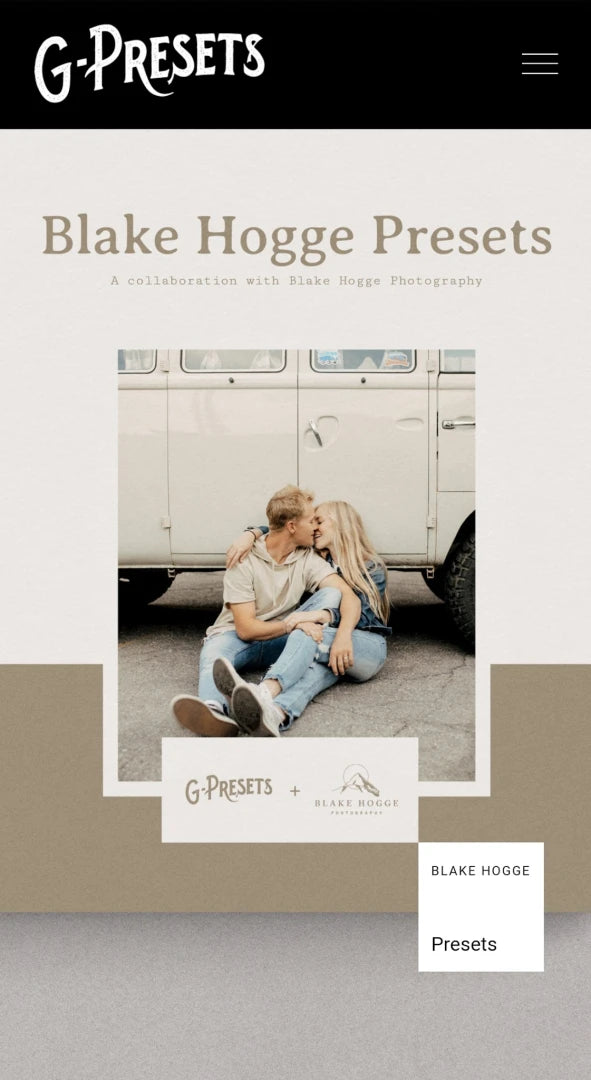
Blake Hogge Presets – Understated True-Colour Warmth
Blake Hogge Presets – Understated True-Colour Warmth
Instant digital download
- FormatAdobe Lightroom presets
- Works withAdobe Lightroom
- DeliveryDownload link right after checkout, also sent by email
Couldn't load pickup availability
Blake Hogge's style is understated: true-to-colour images with creamy skin, calm highlights and natural contrast, plus a thin layer of warmth that adds mood without taking over. For portrait and lifestyle photographers who want the edit to be felt rather than noticed.
- 9 colour presets and 1 black and white preset
- Made for RAW files only
- Lightroom 4, 5 and 6, Lightroom CC 2015, Lightroom Classic, Lightroom CC and Camera Raw CS6 or later
How to install
Lightroom Classic: in the Develop module, click + in the Presets panel and choose Import Presets.
Lightroom: open Edit → Presets, use the … menu and choose Import Presets.
Every photo is different, so fine-tune exposure and white balance after applying a preset.
Delivery
This is a digital product and nothing is shipped. After payment you get a download link on the order confirmation page, and the same link is emailed to you.
Need help?
If something does not work as expected, contact us with your order number and we will help you out.