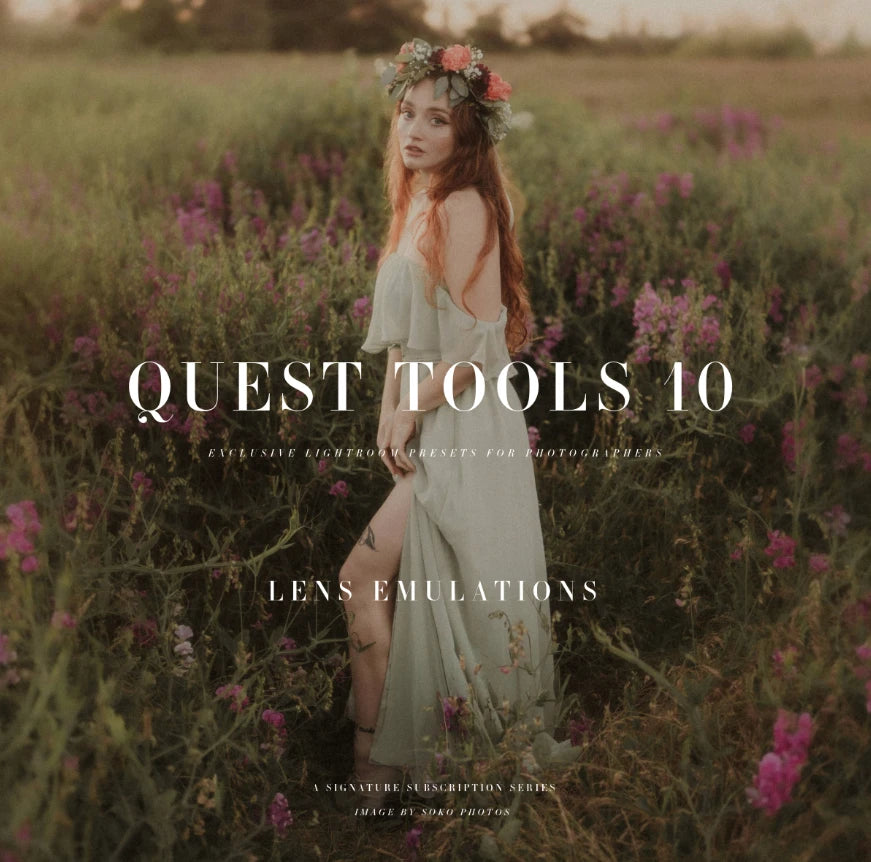
Archipelago Quest Tools 10 – Lens Emulation Lightroom Presets
Archipelago Quest Tools 10 – Lens Emulation Lightroom Presets
Instant digital download
- FormatAdobe Lightroom presets
- Works withAdobe Lightroom
- DeliveryDownload link right after checkout, also sent by email
Couldn't load pickup availability
Every lens leaves a fingerprint: how highlights bloom, how sharpness fades toward the edges and how out-of-focus areas look. Quest Tools 10 recreates that optical signature during editing, so you can give a shoot a specific lens mood even without the glass.
- Modern Lens profiles – crisp detail, neutral colour and controlled bokeh highlights for lifestyle, brand, real estate, architecture and studio work
- Vintage Lens profiles – softer micro-contrast, organic colour drift, gentle vignetting and expressive bokeh for portraits, travel and nostalgic editorial images
- Creative Lens profiles – hazy tones, painterly softness, exaggerated depth and stylised blur for concept and mood-driven work
Works with Lightroom Desktop and Mobile.
How to install
Lightroom Classic: in the Develop module, click + in the Presets panel and choose Import Presets.
Lightroom: open Edit → Presets, use the … menu and choose Import Presets.
Every photo is different, so fine-tune exposure and white balance after applying a preset.
Delivery
This is a digital product and nothing is shipped. After payment you get a download link on the order confirmation page, and the same link is emailed to you.
Need help?
If something does not work as expected, contact us with your order number and we will help you out.