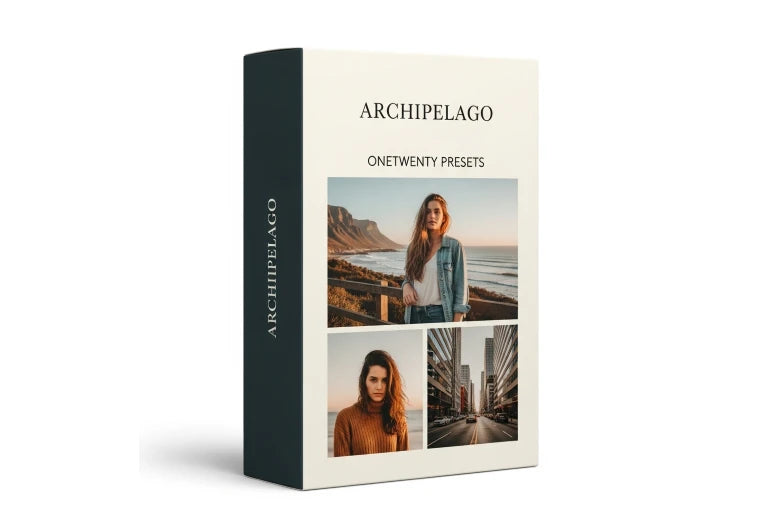
Archipelago OneTwenty – Light and Airy Medium Format Film Presets
Archipelago OneTwenty – Light and Airy Medium Format Film Presets
Instant digital download
- FormatAdobe Lightroom presets
- Works withAdobe Lightroom
- DeliveryDownload link right after checkout, also sent by email
Couldn't load pickup availability
OneTwenty is a light and airy film collection named after 120 medium format film. The look relies on soft light, peachy skin and delicate tonal transitions finished with fine grain, so digital images sit comfortably beside scanned negatives.
A built-in profile slider controls the character: at default you get higher contrast and a rich black point, and moving the slider makes the rendering soft and airy for pastel, light-filled weddings and portraits.
- OneTwenty film-emulated preset collection
- Adjustable profile slider for contrast and black point
- Fine grain and soft, peachy skin
- Great for hybrid wedding, portrait and lifestyle photographers
How to install
Lightroom Classic: in the Develop module, click + in the Presets panel and choose Import Presets.
Lightroom: open Edit → Presets, use the … menu and choose Import Presets.
Every photo is different, so fine-tune exposure and white balance after applying a preset.
Delivery
This is a digital product and nothing is shipped. After payment you get a download link on the order confirmation page, and the same link is emailed to you.
Need help?
If something does not work as expected, contact us with your order number and we will help you out.